
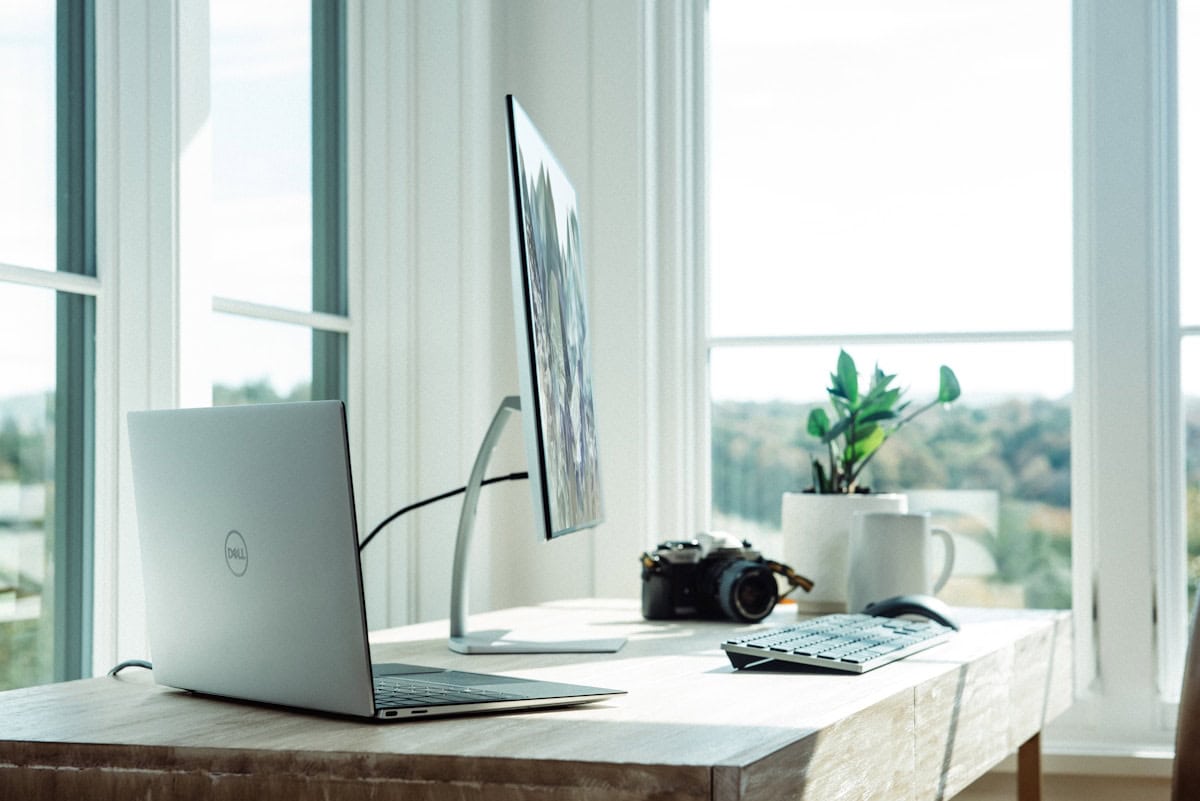
Most people who try to set up an ergonomic desk make the same mistake: they buy one “ergonomic” product and assume that’s enough. Ergonomics is a whole-system adjustment. This guide walks you through all 6 components in the right order — each step builds on the last.
Step 1: Set Your Chair Height First
Everything else is calibrated from your chair. Start here.
- Feet flat on the floor (or on a footrest)
- Thighs parallel to the floor, knees at 90–110°
- Lumbar support pressing into the natural curve of your lower back
- Armrests at elbow height, shoulders relaxed
Tip: Adjust with your shoes on — you’ll be wearing them while working.
Step 2: Set Your Desk Height
With your chair set, your elbows should rest at ~90° when your forearms are on the desk surface. Most standard desks (29–30″) work well for people 5’8″–6’0″. If you’re shorter, raise the chair and add a footrest. For standing desk users, the same 90° rule applies.
Step 3: Position Your Monitor

Monitors are almost always positioned too low. Fix this first:
- Height: Top of screen at or slightly below eye level (0–2 inches below)
- Distance: 20–28 inches from your eyes
- Tilt: 10–20° backward
- Position: Directly in front of you — not off to the side
Laptop users: use an external monitor or laptop stand to hit the right height, paired with an external keyboard.
Step 4: Set Up Your Keyboard
- At elbow height — same as your desk (confirmed in Step 2)
- Close to your body — keyboard near the desk edge, not pushed back
- Wrists straight and neutral while typing — not bent up or down
Step 5: Position Your Mouse
- Directly beside your keyboard — no reaching across the desk
- Same height as your keyboard
- Elbow close to your body when using it
If your keyboard has a numpad pushing the mouse too far right, consider a compact or tenkeyless keyboard.
Step 6: Check Your Lighting
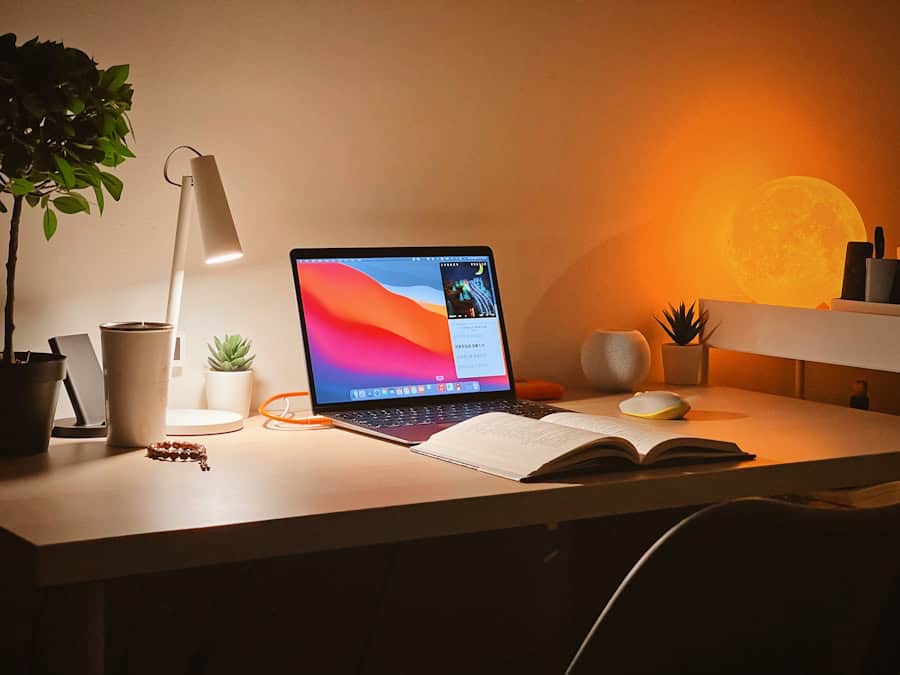
- No bright light source directly behind your monitor (causes glare and eye strain)
- Windows should be to your side — not in front or behind the screen
- Monitor brightness should match your room brightness — not brighter
- Add a desk lamp for task lighting if overhead lighting is poor
Recommended Desk Lamps
Best Overall: Lepro LED Desk Lamp (~$22 · 7,600+ ratings)
Forbes-vetted pick. 9.5W metal lamp with 5 color modes and 5 brightness levels — reliable, well-reviewed, built to last. One of the most popular desk lamps on Amazon for good reason.
Adjustable Arm Pick: Architect LED Desk Lamp with Clamp (~$42 · 2,600+ ratings)
Clips directly to your desk — no base footprint. Dual Light and Adjustable Swing Arm with 4 color temperatures and 5 brightness levels. Ideal if you want to position light precisely over your work area.
Budget Pick: LED Desk Lamp with USB Charging Port (~$19 · 13,600+ ratings)
5 color modes, 3 brightness levels, built-in USB port for charging your phone. Foldable and compact. Gets the job done without the premium price tag.
Quick Checklist
Chair
✅ Feet flat on floor or footrest
✅ Knees at 90–110°
✅ Lumbar support at lower back
✅ Armrests at elbow height
Monitor
✅ Top of screen at/just below eye level
✅ 20–28 inches away
✅ Tilted 10–20° backward
✅ Centered in front of you
Keyboard & Mouse
✅ Elbows at ~90° when typing
✅ Keyboard close to body, wrists neutral
✅ Mouse beside keyboard at the same height
Lighting
✅ No light source behind monitor
✅ Monitor brightness matches room
✅ No glare on screen
Common Mistakes
- Monitor too low — neck forward flexion, tension headaches. Fix: raise monitor with arm or riser.
- Chair too high — feet dangle, thigh compression. Fix: lower chair, add footrest.
- Keyboard too far — shoulder strain. Fix: pull keyboard to desk edge.
- No lumbar support — lower back fatigue. Fix: adjust lumbar or add a cushion.
- Wrists on pad while typing — carpal tunnel compression. Fix: let wrists float while typing; rest only during breaks.
The Bottom Line
Set up your ergonomic desk in this order and the whole system works together:
- Chair height → feet flat, knees at 90°
- Desk height → elbows at 90°
- Monitor → top at/below eye level, 20–28″ away
- Keyboard → at elbow height, close to body, wrists neutral
- Mouse → beside keyboard, same height
- Lighting → from the side, no glare
Further Reading:
– Correct Monitor Height to Fix Neck Pain
– How Often Should You Stand at a Standing Desk?
– Best Under-Desk Cable Management Solutions
Affiliate Disclosure
This article contains affiliate links. If you purchase through one of these links, we may earn a small commission at no extra cost to you. This helps support our independent research.
Last updated: March 2026